My earlier MCP Dock introduction only covered global configs, but MCP Servers, Skills and Rules often come one set per project. 1.4 manages the project level too.
Project: folay-git/mcp-dock
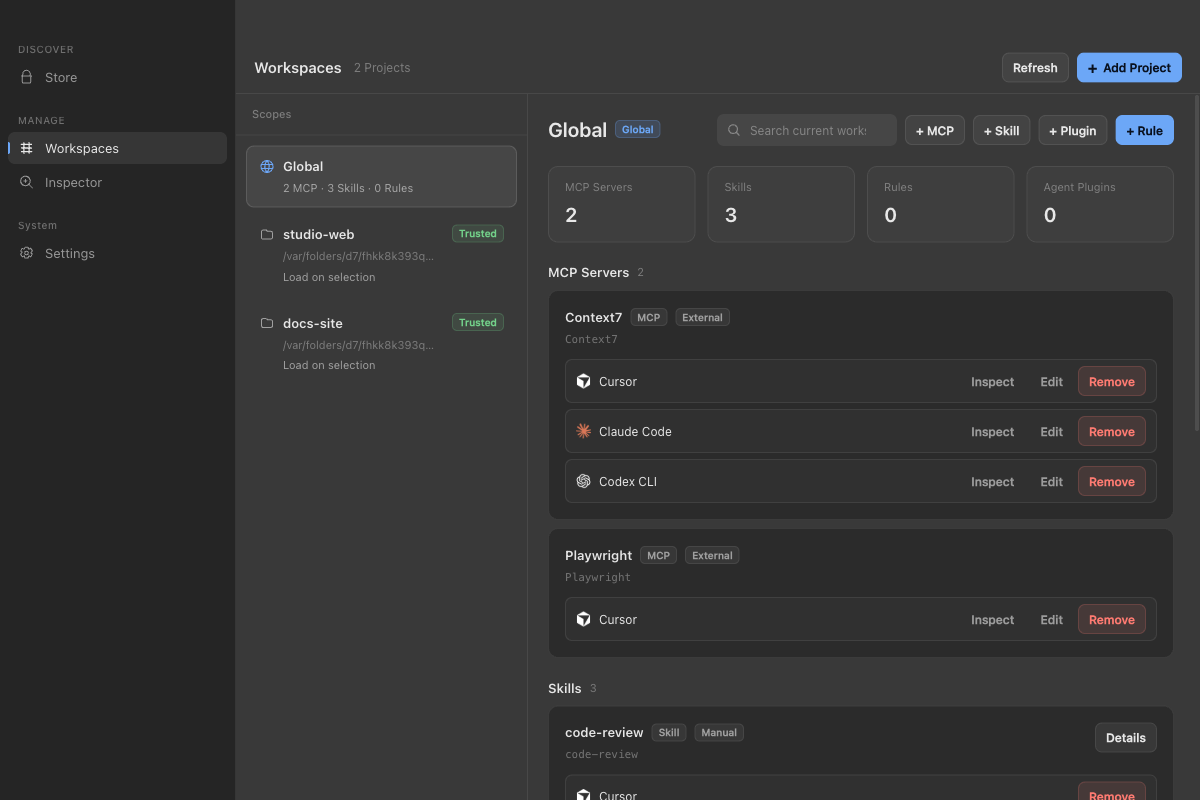
What’s New
- Global + project: Switch to Global or a project to see and manage the MCP Servers, Skills, Rules and Agent plugins in that scope. Items inherited from Global and conflicts are marked.
- Rules: Cursor Rules,
CLAUDE.md,AGENTS.md,GEMINI.md,.agents/rulesand more, editable at both global and project level. - Confirm before writing: Writing config into a project requires trusting it first, and configs with API keys or tokens trigger a warning, so you don’t commit them to Git by accident.
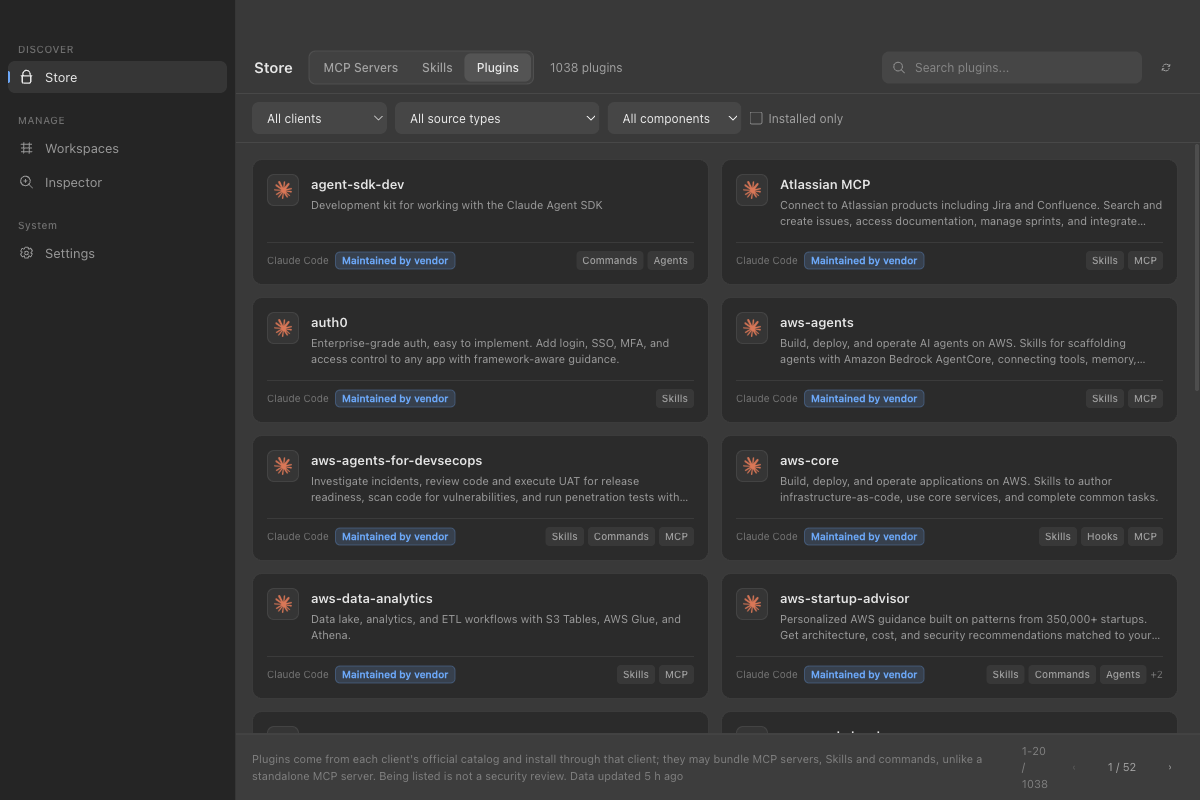
- Agent plugins: The Store has a new Plugins tab with each client’s official plugins. What MCP Dock can install is the standard MCP and Skills part; hooks, commands and the like are left to the client.
- Clients: Up to 16, with Claude Desktop, GitHub Copilot CLI and Devin CLI added. Windsurf is now Devin Desktop.
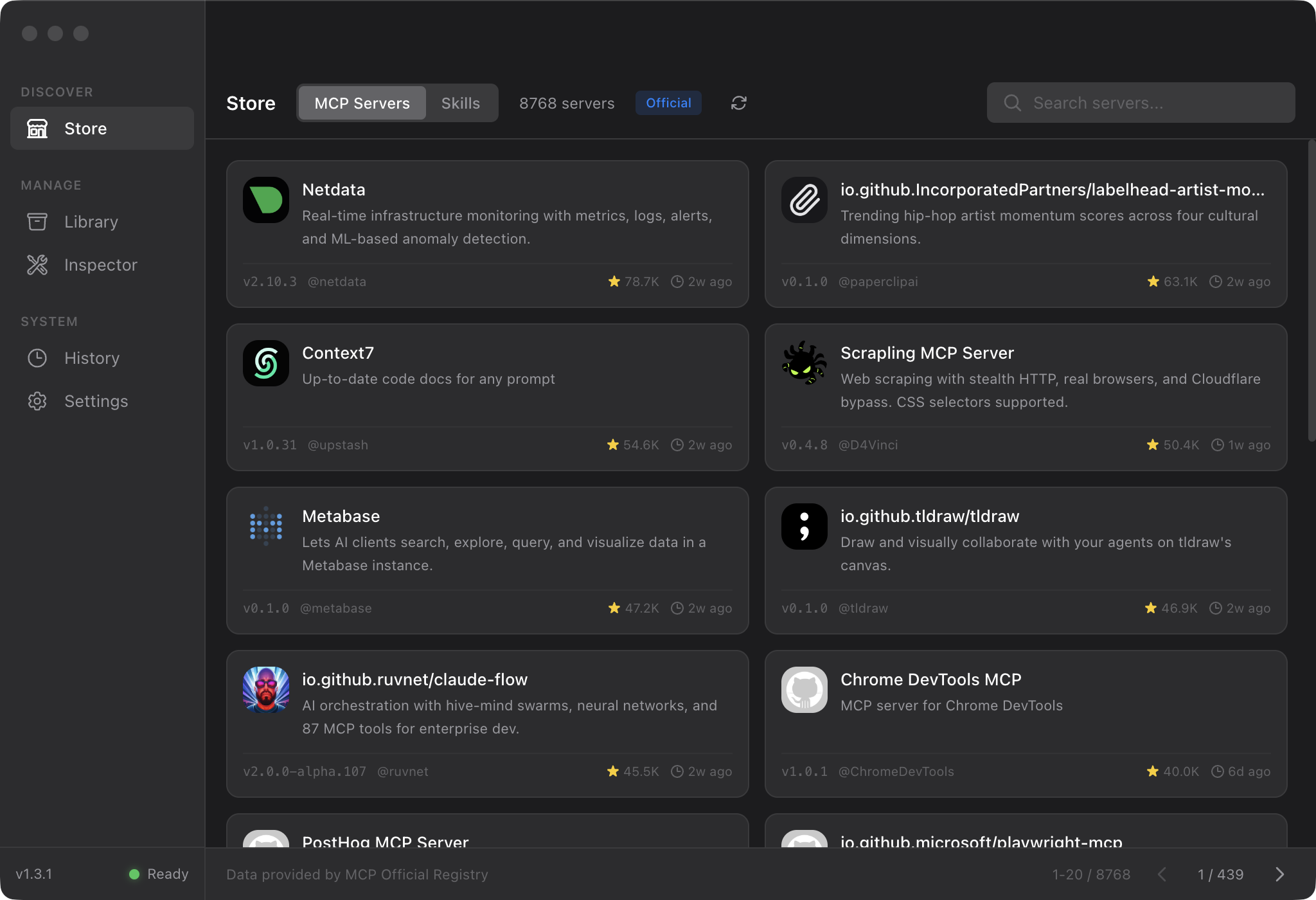
- Smithery: Shut down on October 31 and no longer a data source. Existing configs are marked “Service retired” and aren’t changed automatically.
- Inspector: Remote servers can sign in with browser OAuth.
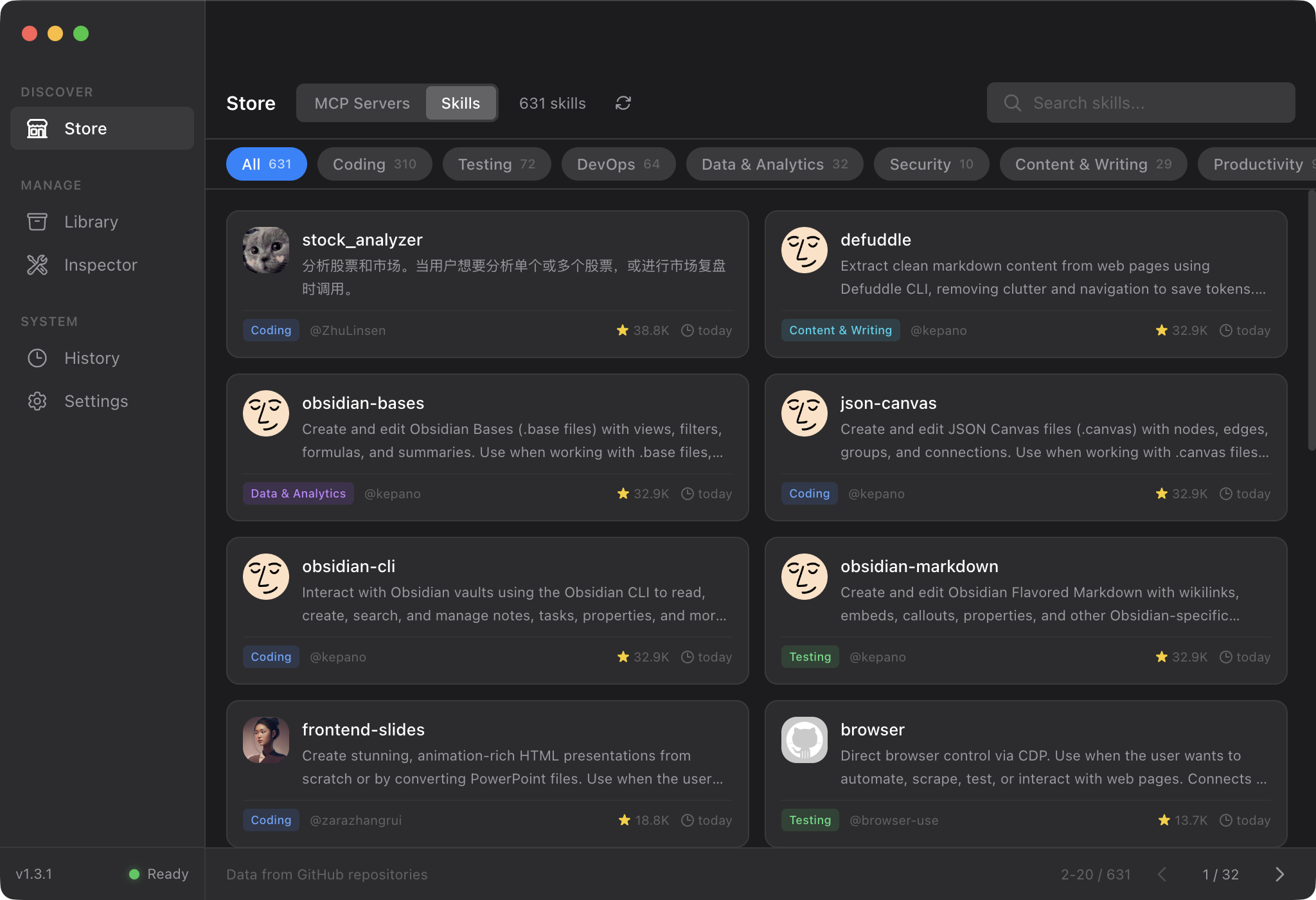
Screenshots
Upgrading
The built-in update address in 1.4.1 and earlier no longer works or isn’t reliable. Download 1.4.2 from Releases and install it over the old app; your configuration is kept. From 1.4.2 on, the update address is folay-git/mcp-dock.
# New installbrew install --cask folay-git/tap/mcp-dock
# Already installedbrew upgrade --cask mcp-dockNotes
- Only the macOS (Apple Silicon) build has been launch-tested. Windows, Linux and auto-update are not tested.
- The macOS build is not notarized and the Windows build is unsigned, so the first launch may be blocked. See the install guide.
- Being listed in the store is not a security review.
- This version no longer has config history and one-click rollback, and Gemini CLI configs are no longer managed.