I made a Typora theme based on the look of Cursor’s website: paper background, ink-colored text, and orange in only a few places. There’s a light and a dark version, mostly for technical writing.
Project: folay-git/typora-cursor-theme
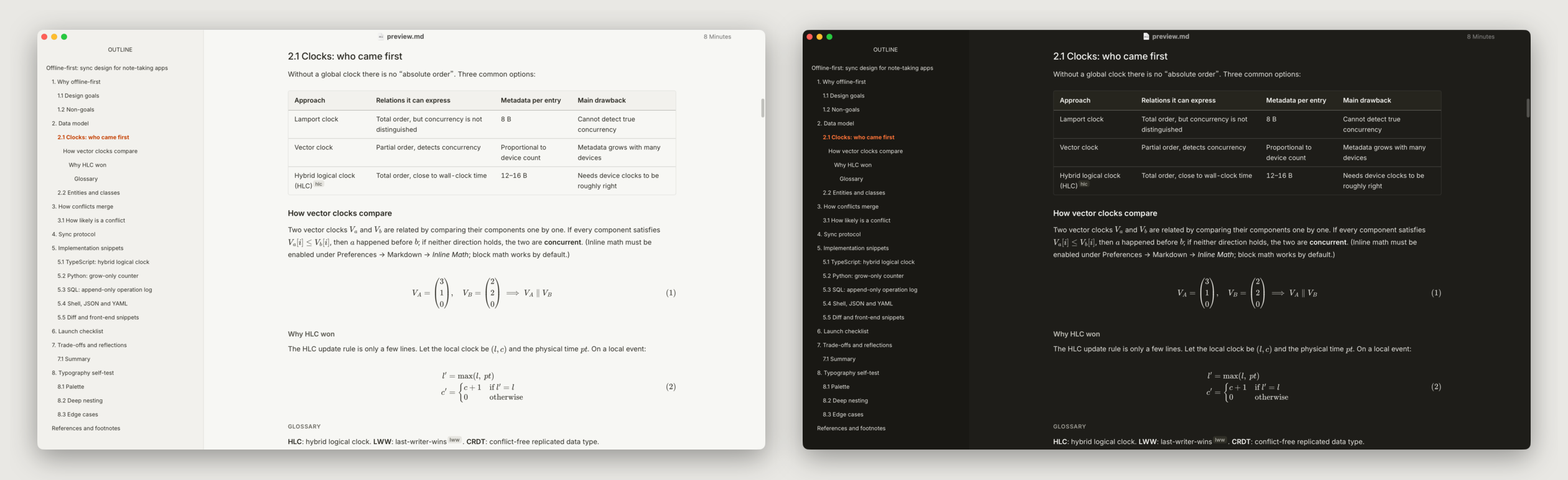
Features
Colors: Background #f7f7f4, text #26251e. Orange is only used for the caret, links, focus and the current item. Cursor’s brand orange #f54e00 has just 3.3:1 contrast on the paper background, too low for small text, so text and links use a deeper #c43e00 (4.9:1).
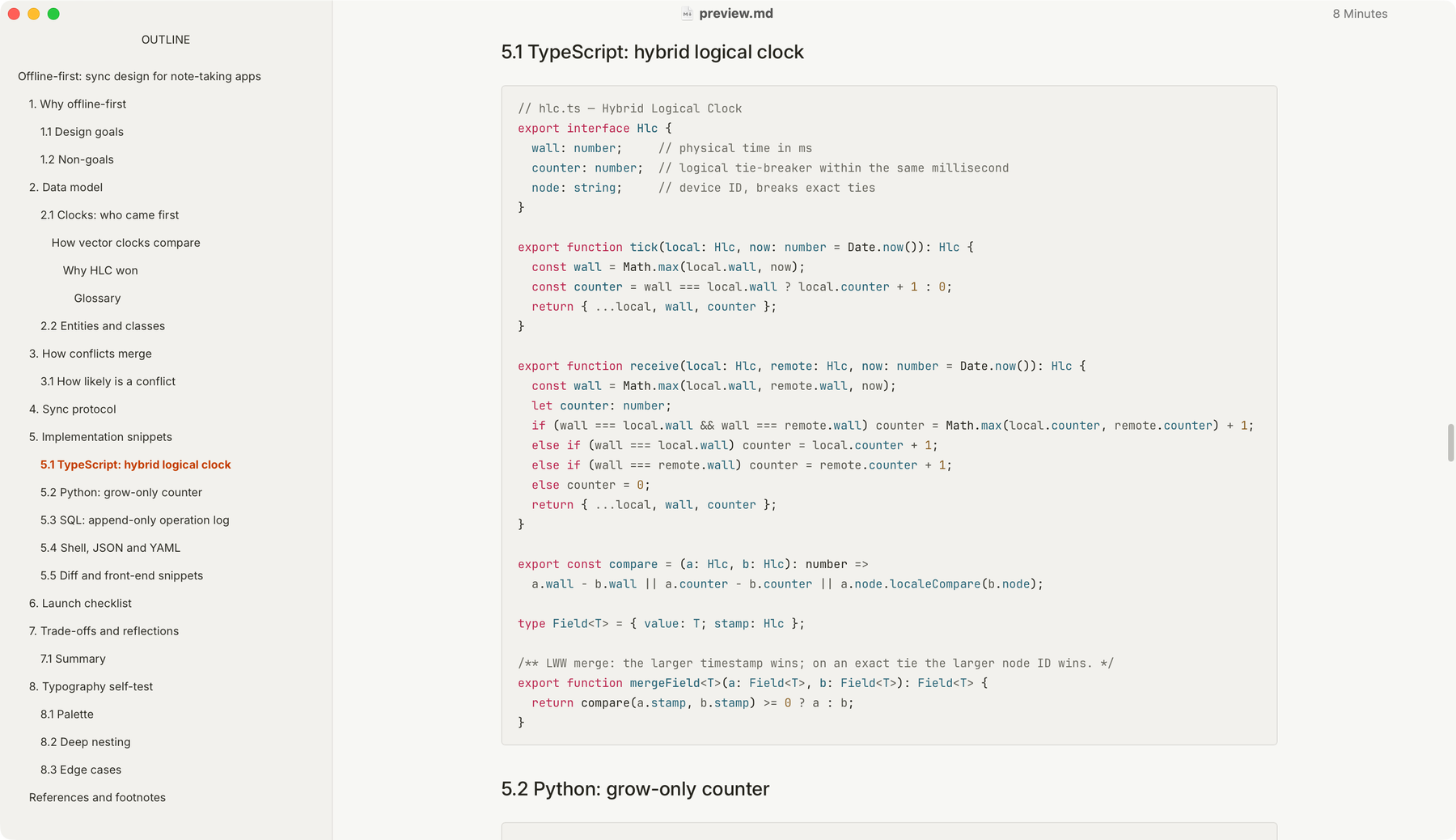
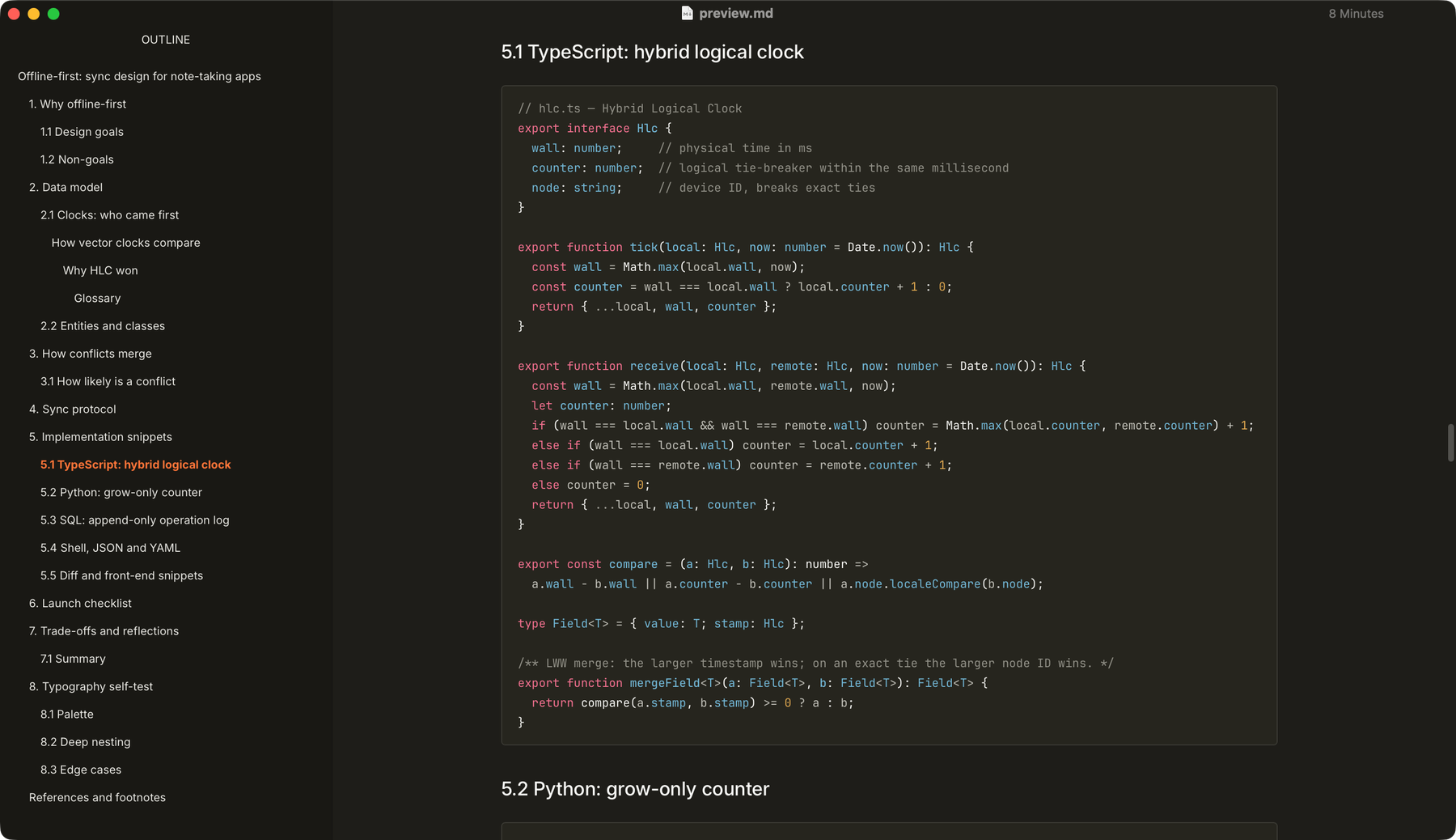
One column: Body text, code blocks, tables, images, math and Mermaid share a single column with aligned edges, 56rem by default (about 896px). Anything wider is handled inside the column: code wraps, tables with 7+ columns and display math scroll sideways, images scale down.
Fonts: Inter for text, JetBrains Mono for code, EB Garamond for quotes, system fonts for Chinese. Line height is 1.8. The three fonts are bundled with the theme, so there’s nothing to install.
Based on the GitHub theme: It starts from Typora’s bundled GitHub theme and only changes colors, fonts, spacing and display rules. Editing behavior of the caret, selection, tables and code blocks is untouched.
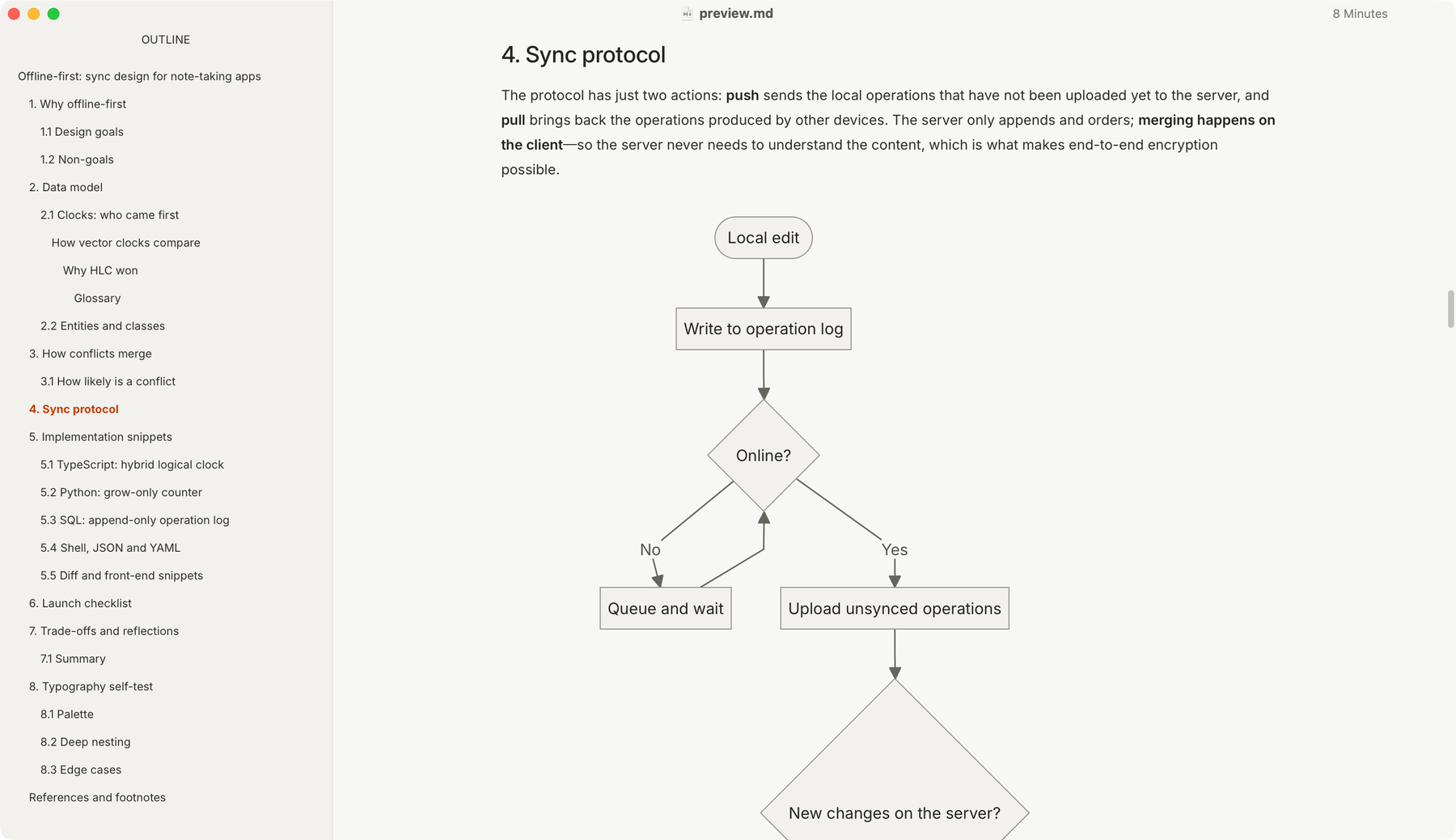
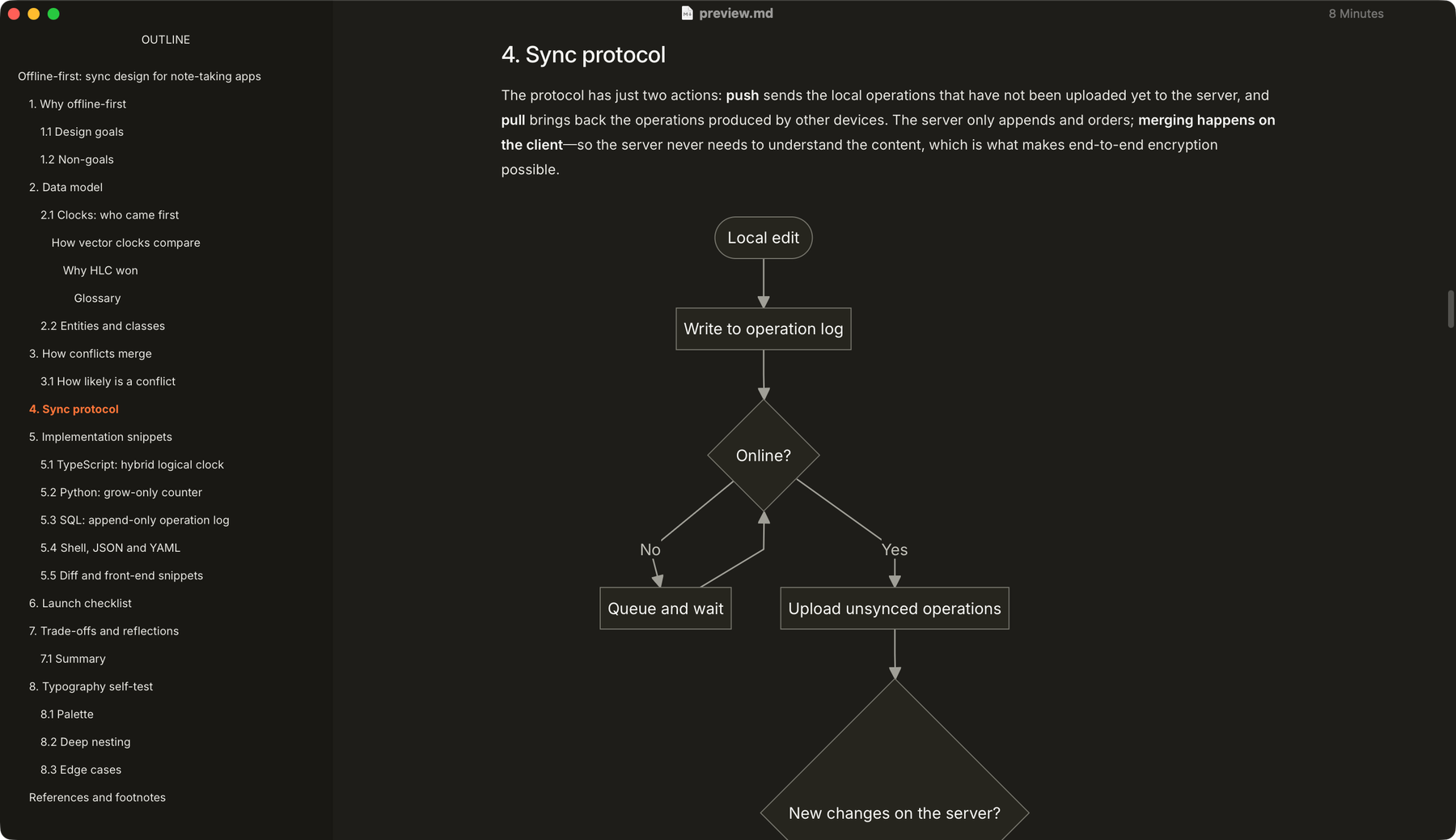
Mermaid: Flowcharts, state, sequence, class, ER, Gantt and pie diagrams share one palette, the same in light and dark.
Pure CSS, no scripts, no network access. Font sizes and the column width are in rem, so they scale with Typora’s font size setting.
Screenshots
Light on the left, dark on the right.
Installation
- Download cursor-style.zip and unzip it
- In Typora, go to Preferences → Appearance → Open Theme Folder
- Copy
cursor-style.css,cursor-style-dark.cssand thecursor-style/folder into it, then restart Typora - Pick Cursor Style or Cursor Style Dark from the Themes menu
Customization
Create cursor-style.user.css in the theme folder (cursor-style-dark.user.css for the dark one) and override the variables you want:
:root { --cs-measure: 64rem; /* column width, default 56rem */ --cs-leading: 1.7; /* line height, default 1.8 */}Fonts are --cs-font-sans, --cs-font-serif and --cs-font-mono.
Notes
- Only tested on macOS with Typora 1.5.6. Windows, Linux, PDF export and printing are not verified.
- The pie chart legend can get cut off in a narrow window. That comes from the Mermaid version bundled with Typora, and the theme can’t fix it. Adding
%%{init: {"pie": {"useWidth": 800}}}%%as the first line of the diagram helps. - MIT license. Not affiliated with Cursor / Anysphere — the name only says which style inspired it.